NAS vs External Drive for Home Backup
By GigaGone Editorial Team Published Topic: Drives & NAS
An external drive is the simplest, cheapest home backup: plug it in and point Time Machine or Windows backup at it. A NAS is a small always-on network computer that several devices can back up to, and it costs more and needs setup. Either way, RAID in a NAS protects against a disk failure, not against deletion, ransomware, fire or theft.
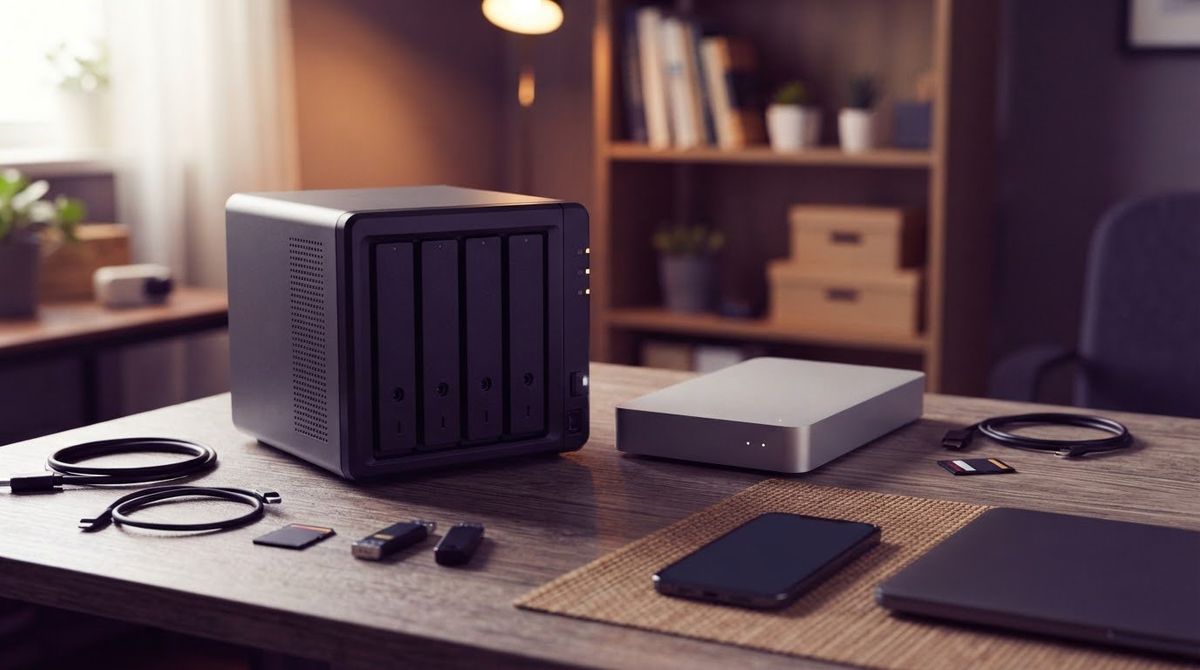
Part of the guide: External Drives, SSDs and NAS: A Beginner's Guide
Not sure which to buy? This page compares the two options for a home. For the wider picture, start with our guide to drives, SSDs and NAS, and see what a NAS is if the term is new. If you are weighing a multi-drive NAS, remember that RAID does not replace a separate backup either way.
Back up before you format or move data to any new device.
What is the difference in one minute?
An external drive is a disk you connect by USB. Backup software such as Time Machine or Windows backup writes to it, and you unplug it when finished.
A NAS (network-attached storage) is a small computer with one or more disks that stays on your network. Several devices can back up to it, and it can run its own scheduled jobs and apps.
NAS vs external drive: comparison
The table above sets out cost, setup, devices served and what each protects against. Prices change, so none are quoted here. Check current pricing before you buy.
Why RAID is not a backup
Many NAS units can mirror data across two or more disks. That protects you when one disk dies. It does nothing when you delete the wrong folder, when a file is corrupted, when ransomware encrypts shared files, or when the unit is stolen or burned. A copy that updates instantly is not a backup.
Synology’s own documentation treats the NAS as something to back up to USB drives, another NAS or a cloud service. CISA also recommends offline, encrypted backups because ransomware tries to find and delete or encrypt accessible ones. See ransomware and backups.
Which should you choose?
- One or two computers, modest data: an external drive. See how to choose an external drive.
- Several devices, family photos, you will maintain it: a NAS, plus a second backup of the NAS.
- Want the safest simple setup: an external drive that you store unplugged, plus a cloud backup. The 3-2-1 rule explains why.
Setup tips
- Use the vendor’s documentation for your platform: Time Machine on a Mac or backing up a Windows PC.
- Size by your data using the backup storage estimator.
- Rotate or disconnect at least one copy.
- Test a restore, see how to test a backup.
Information checked on 2026-11-14.
| Feature | External drive | NAS (network storage) |
|---|---|---|
| Upfront cost | Lowest: one drive | Higher: enclosure plus at least one disk |
| Setup | Plug in and select it in backup settings | Network setup, accounts, updates and backup jobs |
| Devices served | One computer at a time | Many devices over the network, at once |
| Always on | No, only when connected | Yes, typically 24/7 |
| Protects against disk failure | No, unless you keep two drives | Yes with RAID or mirrored disks, only for disk failure |
| Protects against ransomware, deletion, theft, fire | Partly, if unplugged and kept elsewhere | No by itself, always-on shares can be reached by malware |
| Best for | One or two computers, simple needs | A household with several devices and a tolerance for upkeep |
Start with an external drive for one or two computers. Consider a NAS when several people share backups. In both cases, keep one more copy off-site.
Questions readers ask
Is a NAS better than an external drive for backup?
It is more capable, not automatically better. A NAS serves several devices and runs scheduled jobs without you plugging anything in, but it costs more and needs maintenance. For one computer, an external drive is often the simpler and cheaper backup. What matters most is a second copy somewhere else.
Is RAID a backup?
No. RAID keeps a volume running when a disk fails, but it copies mistakes instantly. Deleted files, corrupted files, ransomware, theft and fire affect every disk in the array. Treat the NAS as one copy, and back it up to another drive or an off-site service.
Can ransomware reach a NAS?
It can, if the NAS shares are mounted on an infected computer. Files on mounted shares can be encrypted like local files. CISA advises keeping offline, encrypted, tested backups. Use snapshots or a separate offline copy, and keep NAS software updated. See our ransomware and backups page.
Can I use a NAS and an external drive together?
Yes, and it is a good pattern. Keep the NAS for everyday access and automated backups, and copy it to an external drive that you disconnect and store elsewhere. Synology's tools can back up a NAS to USB drives, another NAS or cloud storage.
How big should a NAS or backup drive be?
Add up the data you want to protect and leave room for versions and growth. Our backup storage estimator walks through the calculation. Remember a drive's labelled TB shows as fewer GiB in your operating system, so size with that in mind.
Further reading
- Apple Support: Back up files with Time Machine (support.apple.com)
- Synology Knowledge Center: Back up your Synology NAS (synology.com)
- CISA #StopRansomware Guide (cisa.gov)
Worth reading next
- External Drives, SSDs and NAS: A Beginner's Guide
Learn the difference between external hard drives, portable SSDs, and home NAS boxes, with failure-rate context and advice on choosing backup hardware.
- Backblaze Drive Stats Explained for Home Users
How to read Backblaze's public Drive Stats: drive days, annualized failure rate, confidence and sample size, and what it means for a home backup drive.
- Drive Failure Warning Signs and What to Do Next
Clicking, freezing, vanishing files or a SMART warning can mean a drive is failing. Learn the signs, what to do first and when to call a professional.
- exFAT, NTFS and APFS: Formatting an External Drive for Windows, Mac and Linux
Which file system for an external drive? exFAT works on Windows and Mac; NTFS and APFS each favour one. Limits and steps, from Microsoft and Apple.
- How to Choose an External Drive for Backups
Pick an external drive for backups: capacity rule of thumb, HDD vs SSD, format, encryption and the habits that matter more than the model.
- HDD vs SSD for Backups: What the Failure Data Says
Should a backup drive be a hard disk or an SSD? What Backblaze's published failure data does and does not show, and a simple pick for home backups.